

How to Choose AI Image Generators 2026-06-22
AI image tools differ by output quality, rights, speed, price, and workflow fit. Pick tool by job, not hype.
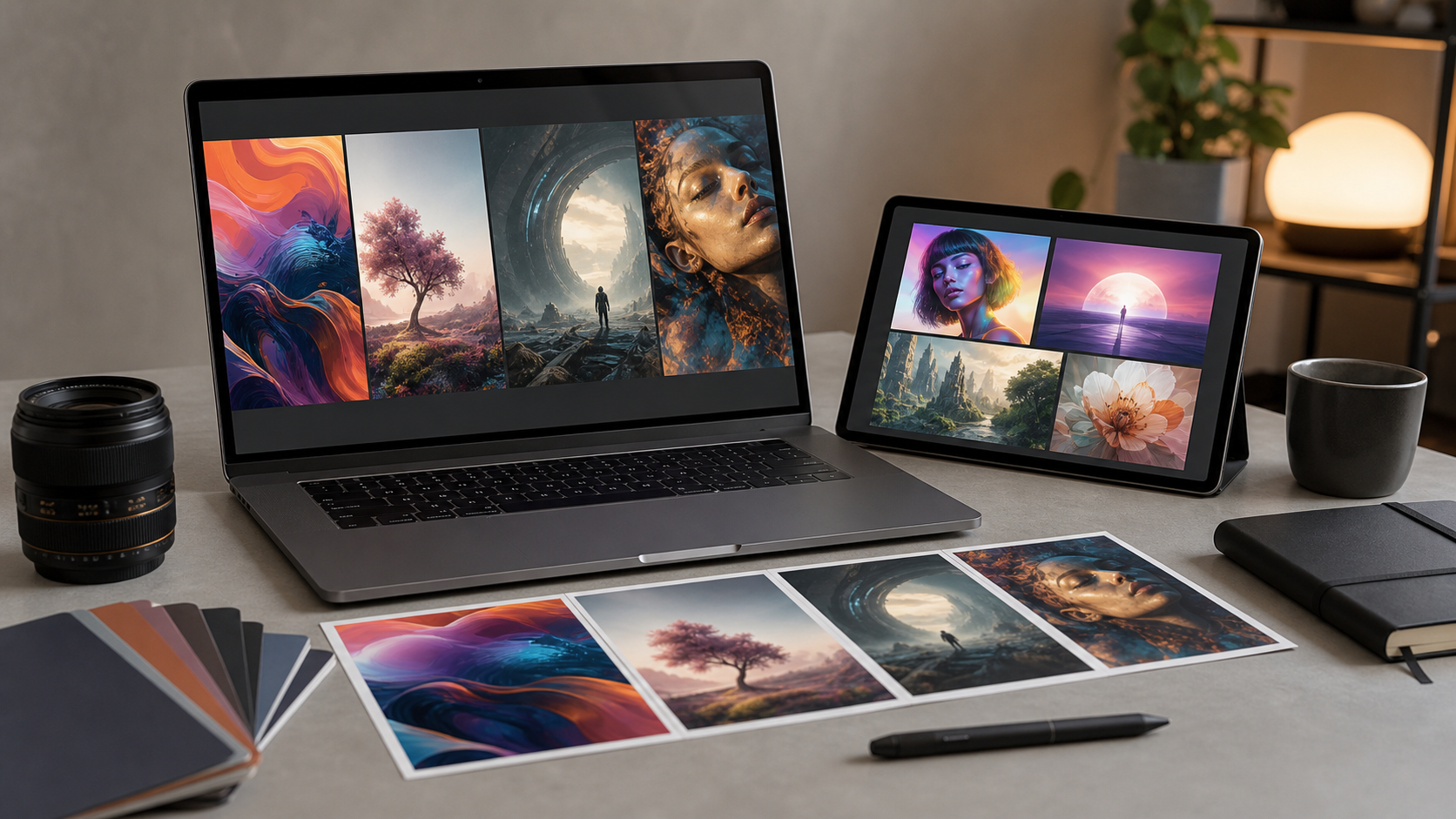
What to compare first
Image generator choice starts with use case. Need product mockups, ads, blog art, social posts, game concepts, or print files? Each job needs different strengths.
Compare:
- Prompt control: better control means fewer rerolls.
- Style range: wide range helps mixed content work.
- Text rendering: important for ads, posters, thumbnails.
- Character consistency: key for stories, comics, brand mascots.
- Editing tools: inpainting, outpainting, background change, object removal.
- Export size: bigger files help print and design handoff.
- Speed limits: slow queues hurt daily work.
- Commercial terms: usage rights matter for business.
- Privacy settings: private generations matter for client work.
Quality checks before paying
Run same prompt across tools. Compare results side by side. Do not judge by gallery alone.
Test prompts:
- Product photo on white background.
- Lifestyle scene with hands and face.
- Poster with short readable text.
- Same character in three poses.
- Brand-style image with exact colors.
Look for:
- Clean anatomy.
- Low artifact rate.
- Accurate object count.
- Stable faces.
- Usable lighting.
- Less prompt drift.
Best tool saves editing time. Cheap tool can cost more if outputs need repair.
Rights, safety, and workflow
Read license terms before client use. Some plans allow commercial use. Some restrict resale, templates, training, or sensitive content.
Check:
- Commercial usage allowed.
- Public vs private image visibility.
- Data use for training.
- Team seats.
- API access.
- Brand safety filters.
- Refund and cancellation rules.
For agencies, workflow matters more than novelty. Team folders, shared presets, approval steps, and predictable billing reduce mess.
Recommended option: AI Subscription Offers
AI Subscription Offers works as practical starting point if you want paid AI tool access in one place. Good fit for buyers comparing subscription value, creative output needs, and recurring budget.
Check offer here:
Use it if:
- You want subscription-style AI access.
- You compare creative tools often.
- You need image generation for ongoing content.
- You prefer paid plan features over limited free trials.
Skip or compare more if:
- You need one niche model only.
- You need strict enterprise compliance.
- You need local-only generation.
Price and plan fit
Do not pick lowest price alone. Pick lowest cost per usable image.
Compare:
- Monthly credits.
- Credit cost for high-res images.
- Rollover rules.
- Queue priority.
- Watermarks.
- Private mode.
- Team billing.
- Cancellation terms.
If you make few images, flexible plan wins. If you make daily content, higher plan may reduce per-image cost.
Final checklist
- Define main image use case.
- Test same prompts across tools.
- Check text, faces, hands, and consistency.
- Read commercial rights.
- Confirm privacy settings.
- Compare usable-image cost.
- Check export size.
- Pick plan matching monthly volume.
- Save best prompts for repeat work.