

How to Choose AI Image Generators 2026-05-21
AI image generator choice matter because output quality, usage rights, price, and workflow fit change tool value fast.
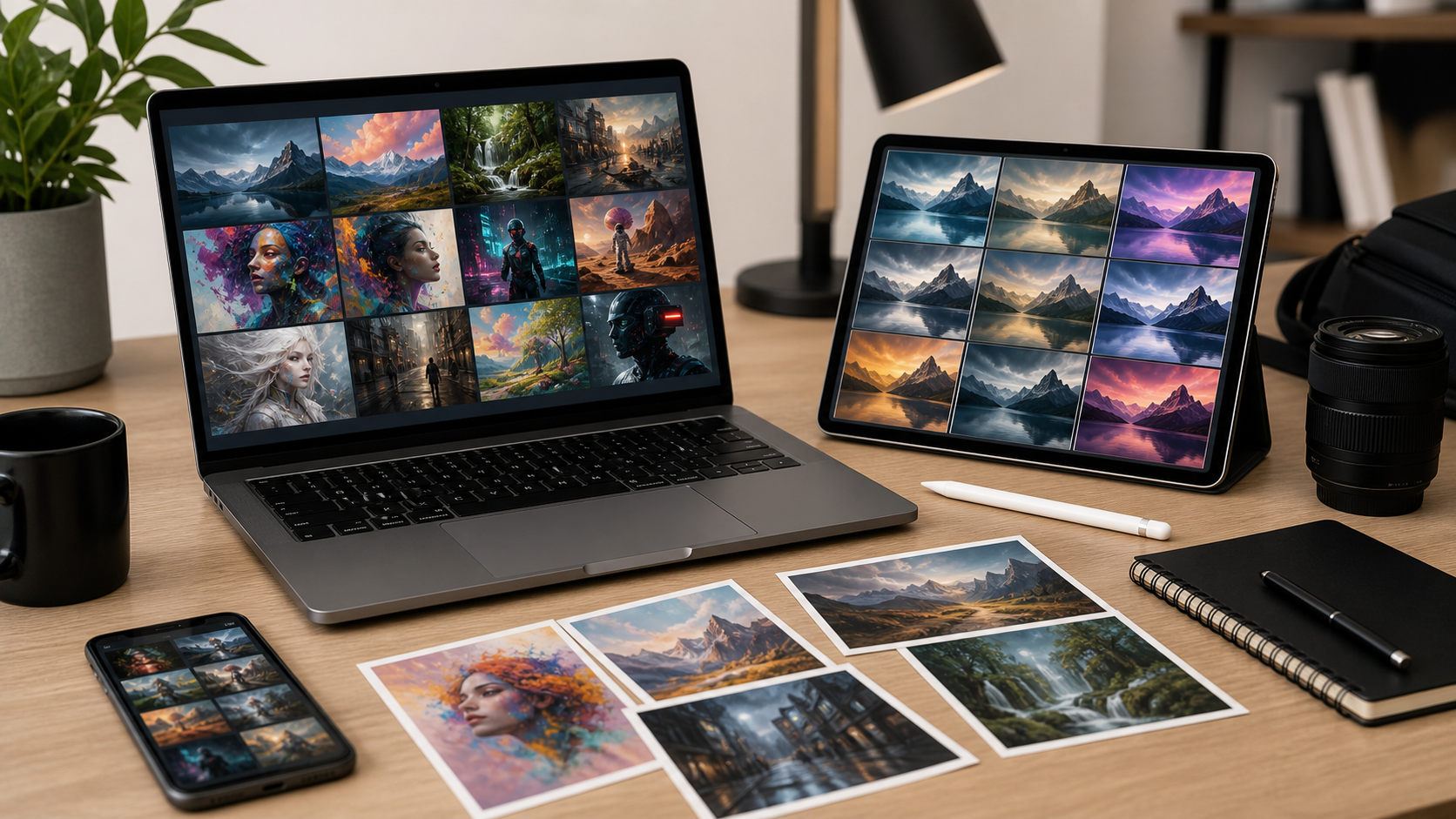
Key buying criteria
Image quality wins first. Check prompt accuracy, face detail, hand detail, text rendering, style range, and consistency across many tries.
Rights matter. Read plan terms for commercial use, ownership language, model training rules, and brand safety limits.
Speed matters if daily work. Test queue time, batch generation, upscaling, editing, and export formats.
Control matters for pros. Look for reference images, inpainting, outpainting, seed control, aspect ratios, style presets, and negative prompts.
Safety matters for teams. Check content filters, private generation, admin controls, audit logs, and data retention terms.
Price and plan fit
Compare monthly cost, yearly discount, image credits, rollover rules, resolution caps, and paid add-ons.
Avoid buying by headline price only. Cheap plan can cost more if credits vanish fast or exports need paid upgrade.
Best fit often depends on workload:
- Casual user: low monthly price, simple presets, enough credits.
- Creator: stronger style control, fast exports, commercial terms.
- Marketer: brand-safe output, team seats, reusable templates.
- Designer: editing tools, high resolution, layered workflow support.
- Developer: API access, stable docs, clear rate limits.
Recommended option: AI Subscription Offers
AI Subscription Offers can fit buyers who want one place to compare AI plans and pick subscription based on budget, image needs, and workflow.
Check current AI Subscription Offers here:
Use offer page as starting point, then verify each vendor terms before purchase.
Feature checklist before buying
Test same prompt across tools. Compare output with same subject, mood, lighting, aspect ratio, and detail level.
Save results. Score each tool from 1 to 5 on:
- Prompt accuracy
- Visual quality
- Editing control
- Text rendering
- Speed
- Commercial terms
- Privacy controls
- Total monthly cost
Pick tool with best score for real tasks, not flashiest demo.
Common mistakes
Do not buy only because gallery looks good. Demo images often use expert prompts and handpicked results.
Do not ignore rights. Some plans limit commercial use or restrict certain content.
Do not skip cancellation terms. Annual plans can lock budget longer than expected.
Do not assume private by default. Some services may use prompts or outputs for improvement unless settings or plan terms say otherwise.
Final checklist
- Define main use case.
- Test 5 real prompts.
- Compare output quality.
- Check commercial rights.
- Check privacy terms.
- Check credit limits.
- Check export size.
- Check cancellation rules.
- Pick plan matching workload.
- Recheck terms before payment.