
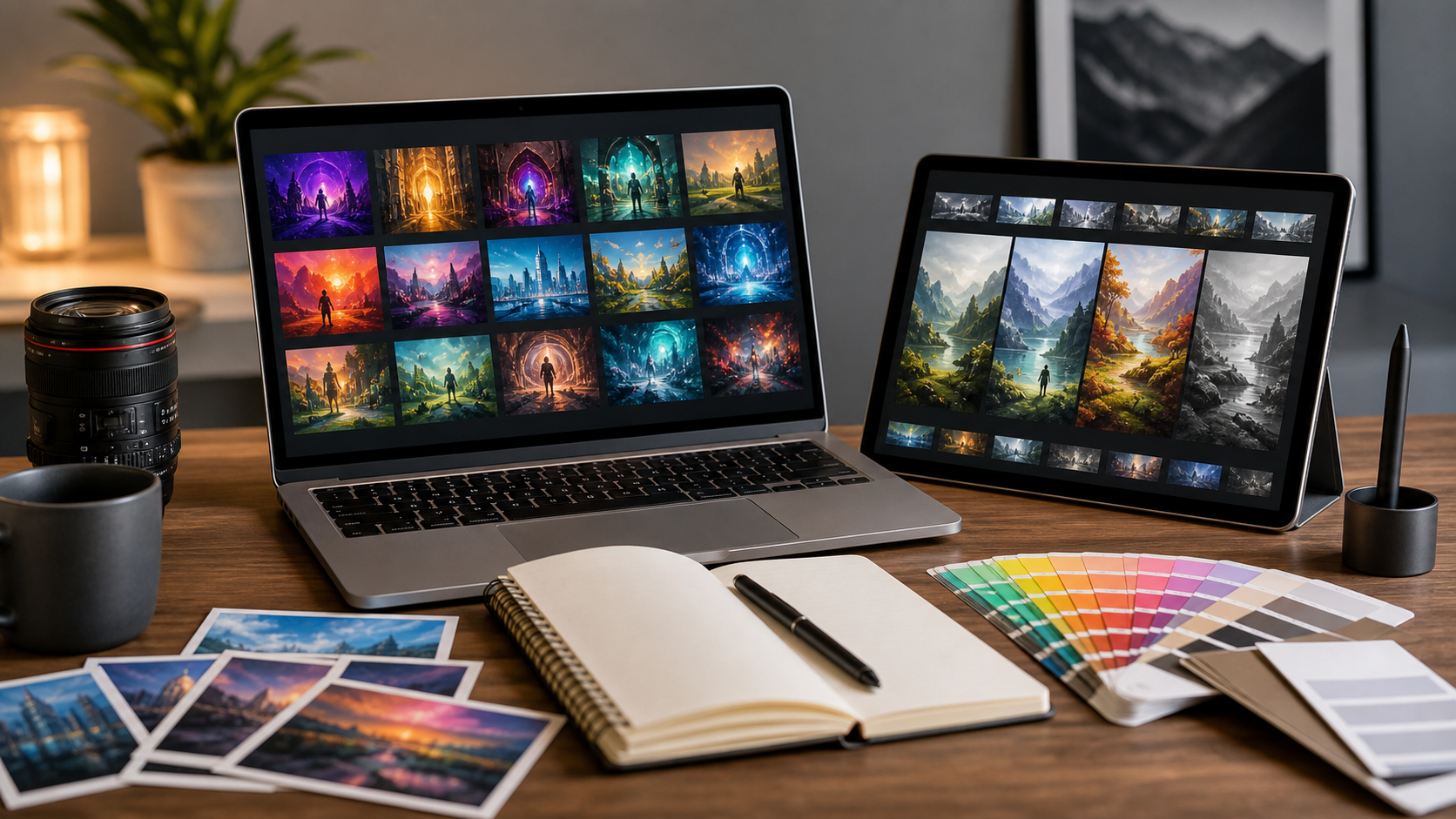
How to Choose AI Image Generators in 2026
Choosing AI image generator in 2026 means matching output quality, rights, controls, speed, and workflow. Best pick depends on what you make, how often you make it, and how much control you need.
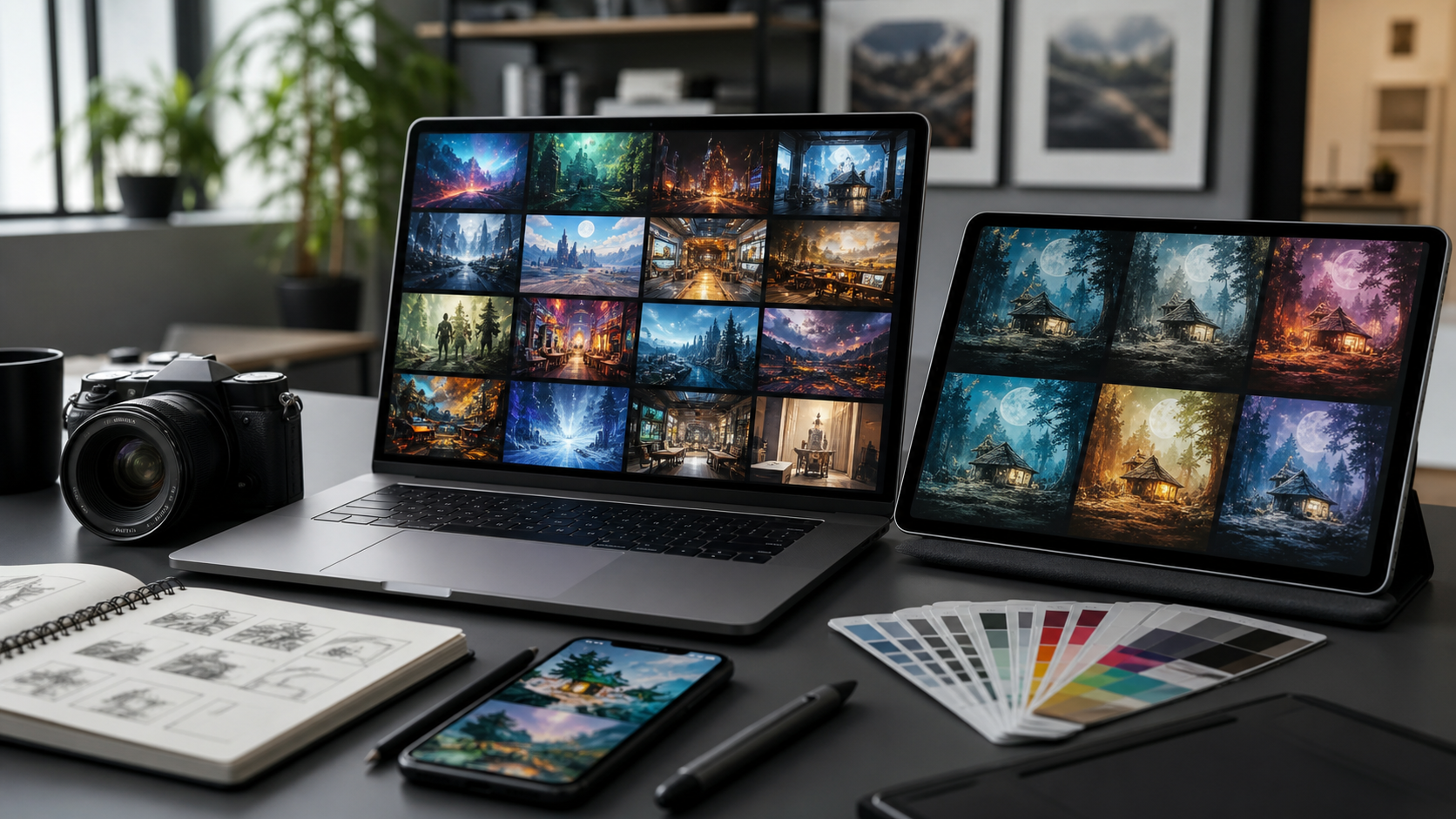
Start with job
Use case decides tool.
- Marketing images need brand control, aspect ratios, and fast edits.
- Product mockups need consistency, clean edges, and commercial terms.
- Concept art needs style range, iteration speed, and reference support.
- Social posts need templates, captions, and team review.
- App or game assets need repeatable character, pose, and scene control.
Do not choose by demo image only. Test prompt, edit, export, and license flow.
Check image quality
Quality means more than pretty output.
Look for:
- Prompt accuracy: image follows subject, count, setting, and mood.
- Text rendering: signs, labels, UI, and short copy stay readable.
- Anatomy and objects: hands, faces, product shapes, and logos avoid weird errors.
- Consistency: same character or product stays stable across images.
- Editing control: inpainting, outpainting, background change, and object removal work cleanly.
- Resolution: export fits web, ads, print, or video needs.
Run same five prompts in each tool. Save outputs. Compare blind if possible.
Review rights and safety
Read license before paid plan. Important points:
- Commercial use allowed or not.
- Ownership language clear or vague.
- Training data policy stated or absent.
- Private generation available or not.
- Brand, celebrity, and trademark limits.
- Indemnity included or not.
- Team access and audit logs available or not.
For client work, keep prompt records, tool version, license page screenshot, and final export date.
Compare workflow fit
Strong tool still fails if workflow slow.
Check:
- Browser app speed.
- API access if needed.
- Batch generation.
- Brand presets.
- Reference images.
- Layer export.
- Photoshop, Figma, Canva, or CMS fit.
- Team comments and approvals.
- Storage and search.
If team needs repeatable assets, control beats novelty.
Compare price
Price includes more than monthly fee.
Calculate:
- Images per month.
- Cost per usable image.
- Upscale cost.
- Fast queue limits.
- Commercial rights tier.
- Seat count.
- API cost.
- Time spent fixing outputs.
Cheap plan can cost more if it needs many retries.
Recommended option: Cursor Pro
Cursor Pro is not AI image generator. It is AI coding tool. Good fit when image workflow needs custom prompts, batch scripts, asset pipeline, metadata cleanup, or app integration.
Use Cursor Pro if you build around image generators: prompt libraries, review tools, upload scripts, naming systems, or API workflows.
Affiliate link: https://cursor.com/referral?code=EJO2JAKURUNP
Best pick by buyer type
- Solo creator: choose easy UI, fair commercial terms, fast edits.
- Agency: choose team controls, brand consistency, clear licensing.
- Ecommerce team: choose product accuracy, background tools, batch export.
- Game or app team: choose character consistency, API, and asset pipeline fit.
- Developer team: choose API quality, docs inside product, and reliable rate limits.
Testing plan
Use same test pack for every tool:
- Product on white background.
- Lifestyle ad scene.
- Character in three poses.
- Image edit with object removal.
- Text-heavy poster.
- Brand-color variant.
- Square, vertical, and wide exports.
Score each 1 to 5 for accuracy, editability, speed, rights, and price.
Red flags
Avoid tool when:
- License unclear.
- Commercial terms hidden behind vague wording.
- Output looks good only in gallery.
- No private mode for sensitive work.
- Text and hands fail often for your use case.
- Exports too small.
- Support or billing info hard to find.
Final checklist
- Define main image job.
- Test same prompts across tools.
- Check commercial rights.
- Compare usable-image cost.
- Verify edit controls.
- Confirm export size.
- Review privacy settings.
- Pick tool that fits workflow, not hype.