
How to Choose AI Automation Platforms 2026
AI automation platform choice affects cost, workflow speed, data control, and team adoption. Pick tool by use case, not hype.
Start with job to automate
List work first. Tool second.
Good fit signals:
- Repeated task happens often
- Inputs follow pattern
- Output has clear review step
- Human can approve before action
- Error cost stays manageable
Common AI automation jobs:
- Lead routing
- Email drafts
- Meeting notes
- Customer support triage
- Report summaries
- CRM updates
- Document extraction
- Internal knowledge search
Avoid vague goal like “use AI everywhere.” Pick one workflow. Measure time saved, error rate, and review effort.
Compare core features
Choose platform with features matching real workflow.
Check:
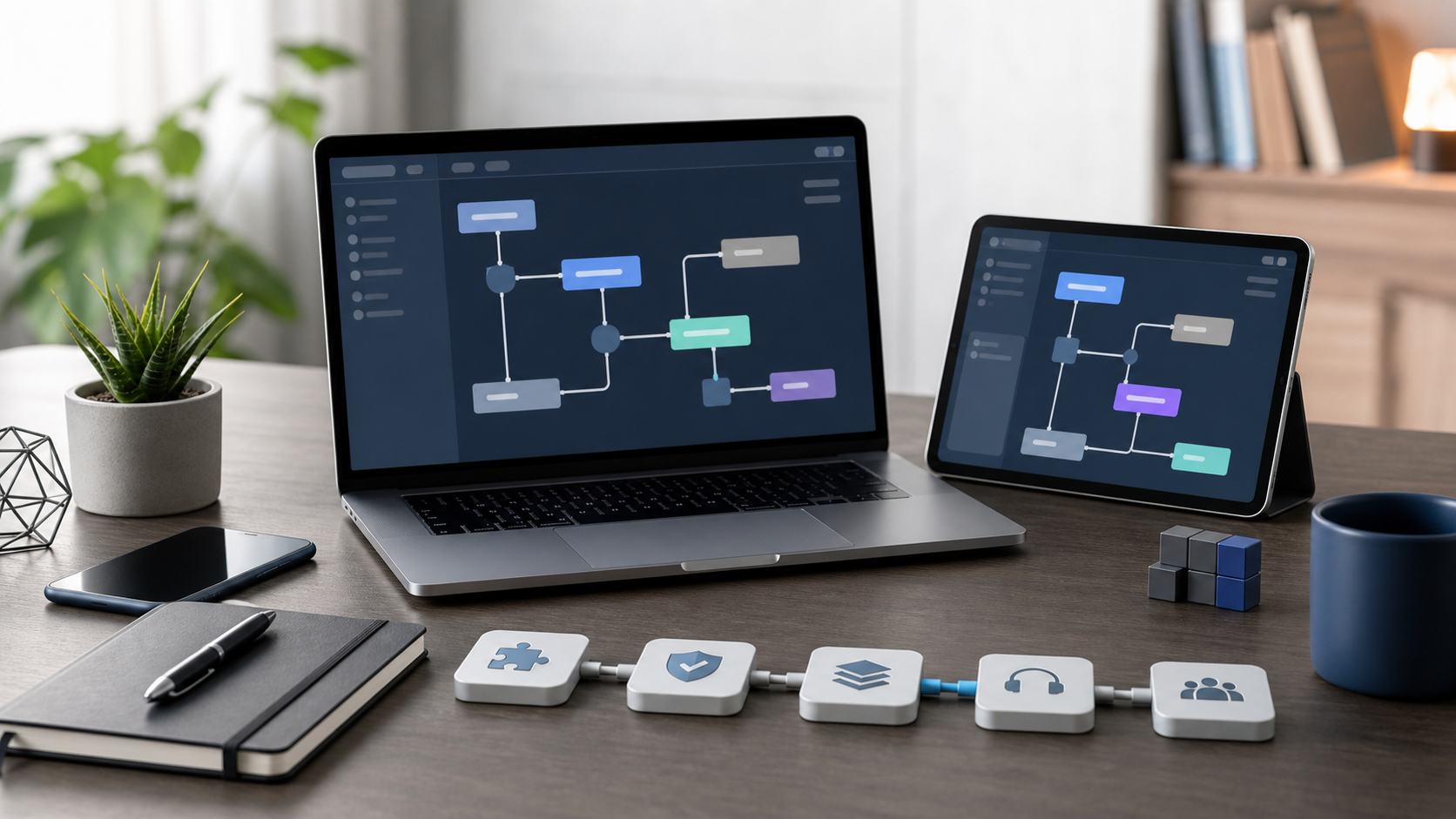
- Workflow builder: visual builder, triggers, branches, approvals
- AI model access: built-in models, model choice, prompt controls
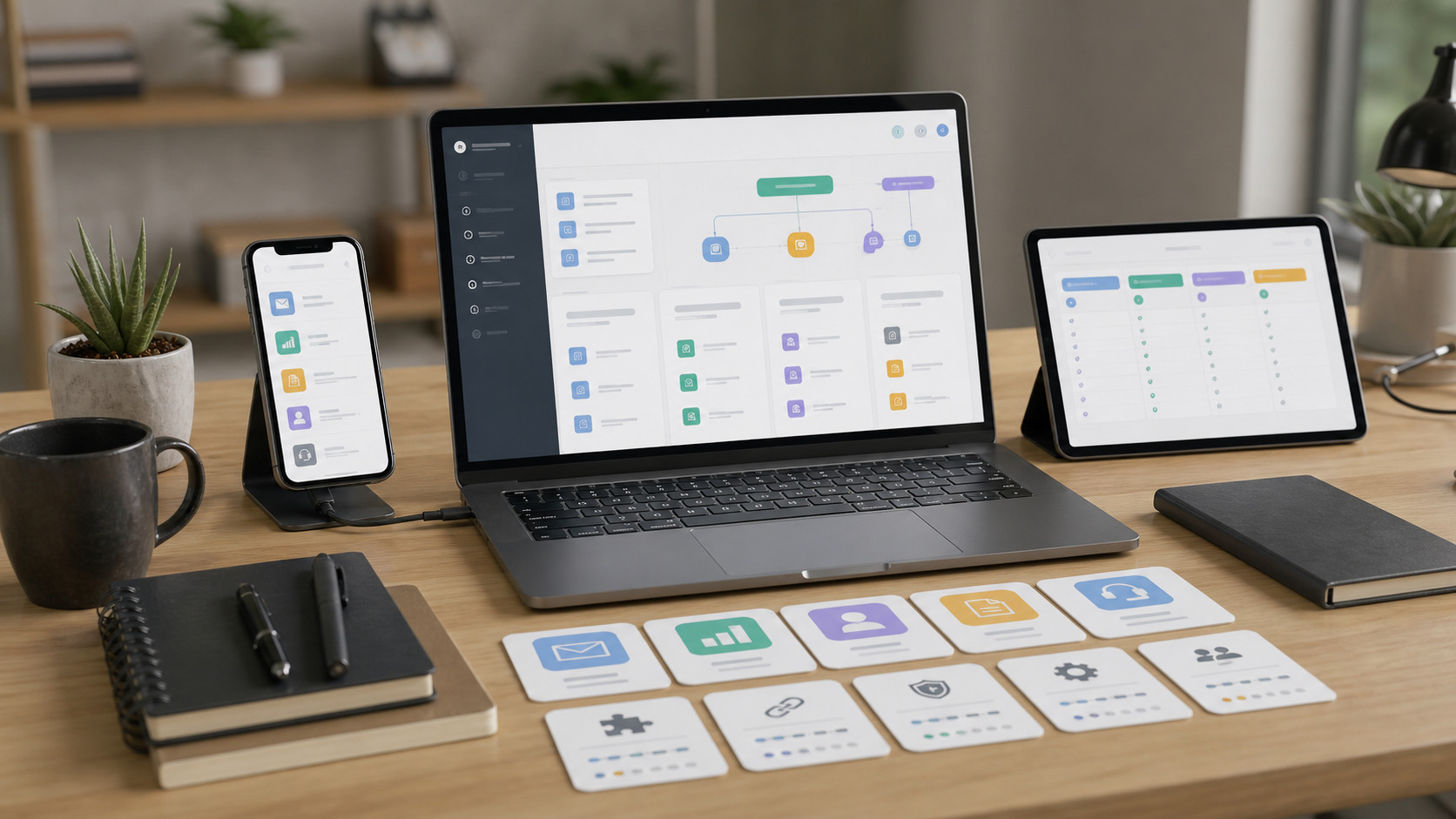
- Integrations: CRM, help desk, email, docs, spreadsheets, chat tools
- Data handling: file upload, structured fields, logs, retention controls
- Human review: approval queues, comments, version history
- Testing: sandbox, sample runs, rollback options
- Monitoring: run history, failed step alerts, usage tracking
- Permissions: roles, admin controls, audit logs
Strong platform makes failures visible. Weak platform hides errors until customer complains.
Review security and compliance
Security matters more when automation touches customer data.
Ask vendor:
- What data enters AI model?
- Can training on your data be disabled?
- Where data is stored?
- Who can access logs?
- How long prompts and outputs remain?
- Does platform support SSO or MFA?
- Can admin export audit logs?
- Are permissions granular?
For regulated data, involve legal, security, and compliance teams before rollout. Do not paste sensitive data into tool without approved policy.
Check pricing and limits
AI automation pricing can hide in usage.
Compare:
- Monthly base fee
- Seat cost
- Task or run limits
- AI token or credit limits
- Premium integration fees
- Overage charges
- Support tier cost
- Contract length
Estimate cost from real workflow volume. Include retries, failed runs, testing, and growth. Cheapest plan may cost more if limits force upgrade.
Recommended option: AI Subscription Offers
AI Subscription Offers can suit buyers comparing AI automation subscriptions in one place. Use it when you want quick shortlist, subscription-style pricing, and AI tools aimed at business workflows.
Check current details here:
Best for:
- Teams exploring AI automation vendors
- Buyers comparing subscription offers
- Small businesses wanting lower setup friction
- Operators testing workflows before bigger platform decision
Still compare features, security, limits, and support before buying.
Test before committing
Run pilot with one workflow.
Pilot plan:
- Pick narrow task.
- Define success metric.
- Connect only needed apps.
- Use test data first.
- Add human approval.
- Track failures.
- Compare output against manual process.
- Decide keep, change, or stop.
Good pilot proves platform fit. Bad pilot reveals limits before contract grows.
Final checklist
- Define one automation job
- Confirm needed integrations
- Test AI output quality
- Add human review step
- Check permissions and audit logs
- Review data retention rules
- Calculate real monthly usage cost
- Confirm support level
- Run pilot before full rollout
- Choose platform that fits workflow, budget, and risk