

How to Choose AI Customer Support Tools 2026-06-08
AI support tool choice matters. Bad fit creates messy handoffs, weak answers, angry customers, and wasted spend. Good fit helps team answer faster, route cleaner, and learn from support data.
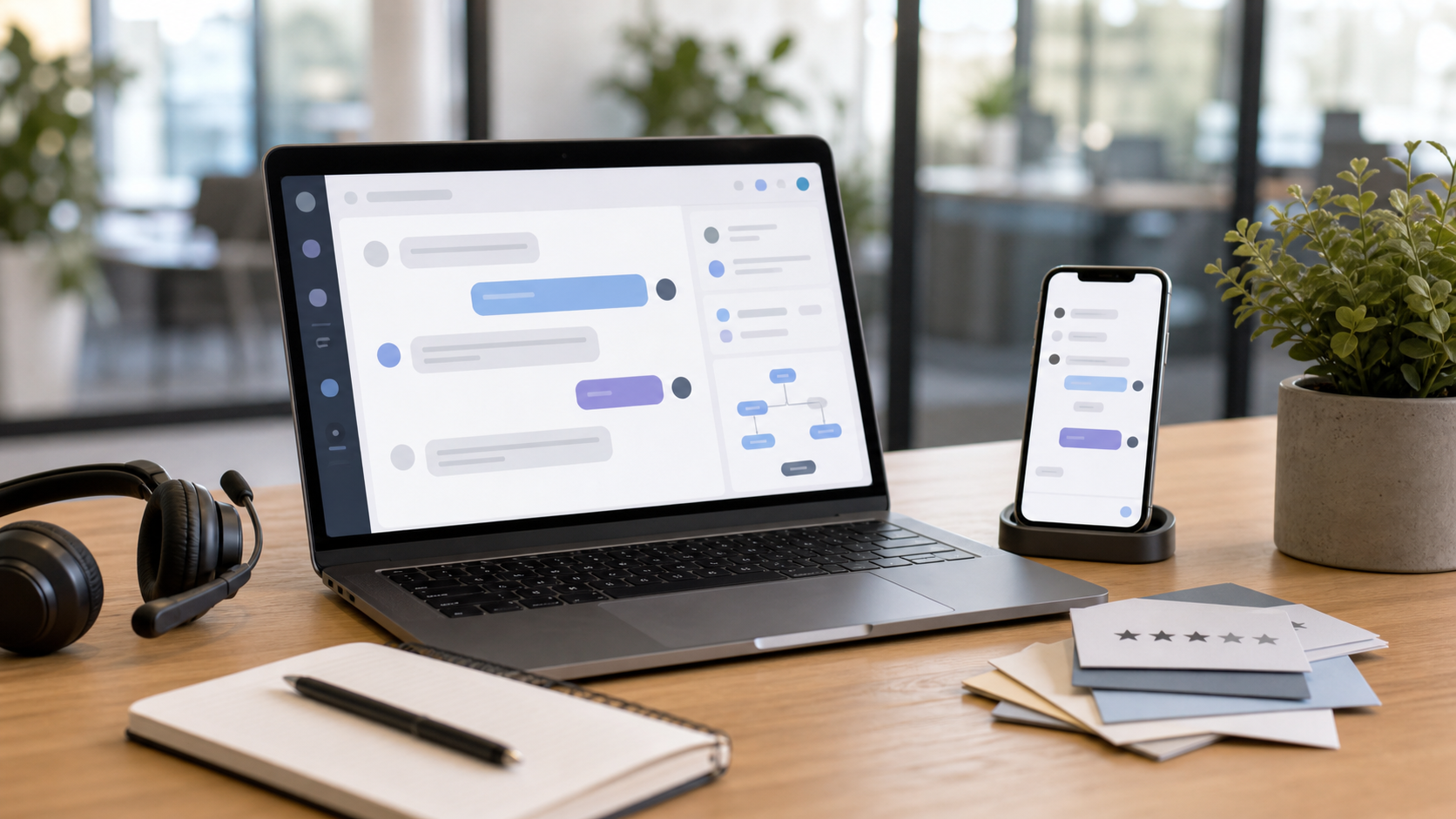
Quick verdict
Best tool depends on support volume, channel mix, data quality, and risk tolerance. Do not buy from demo sparkle alone. Test with real tickets, real policies, real edge cases.
Use scorecard. Compare same prompts. Check logs. Ask agents what breaks.
Recommended option: AI Subscription Offers
AI Subscription Offers can fit buyers wanting subscription access to AI support tools or related AI software offers.
Check offer here:
Good match if you want one starting point for comparing AI subscriptions. Still verify pricing, limits, contract terms, data handling, and support features before buying.
What AI customer support tools should do
Core jobs:
- Answer common questions from approved knowledge base.
- Draft replies for human agents.
- Route tickets by topic, urgency, language, or customer tier.
- Summarize long conversations.
- Detect sentiment and escalation risk.
- Suggest help center updates from ticket trends.
- Work across chat, email, social, voice notes, or ticketing system.
Nice feature means little if tool cannot read your docs, follow policy, and hand off cleanly.
Buyer scorecard
Score each tool 1 to 5:
| Criteria | What to check | Why matters | |—|—|—| | Accuracy | Answers match policy and docs | Fewer wrong replies | | Source control | Tool cites or uses approved sources | Easier review | | Escalation | Human handoff clear | Less customer frustration | | Integrations | Works with help desk, CRM, chat | Less manual work | | Admin controls | Roles, permissions, audit logs | Safer use | | Reporting | Shows containment, CSAT, deflection, errors | Better decisions | | Multilingual support | Handles needed languages | Broader coverage | | Cost model | Seats, usage, conversations, add-ons | Fewer bill shocks | | Data handling | Retention, training use, compliance docs | Lower data risk | | Setup effort | Import, tagging, testing, maintenance | Real workload known |
Pick highest score after pilot, not highest promise.
Data and security checks
Ask vendor direct questions:
- What customer data gets stored?
- How long data stays?
- Is data used to train shared models?
- Can training use be disabled?
- Who can view transcripts?
- Are audit logs available?
- Does tool support SSO, MFA, role permissions?
- Where data is processed?
- How deletion works?
- What happens when contract ends?
Security warning: do not feed payment data, health data, legal data, or secrets into tool unless vendor contract, controls, and compliance match your needs.
Test plan before buying
Run same test on each shortlist tool.
- Pick 50 real support tickets.
- Remove sensitive data.
- Add current policy docs and help center pages.
- Test common questions, angry customers, refund cases, shipping issues, bug reports, account access, and edge cases.
- Compare AI answer against approved agent answer.
- Track wrong answer, missing context, unsafe suggestion, weak tone, and bad handoff.
- Ask agents to rate usefulness.
- Estimate monthly cost from real volume.
- Run small live pilot with clear escalation rules.
- Buy only if results beat current workflow enough to justify cost.
Pricing traps
Watch these cost points:
- Per-seat fees for agents and admins.
- Per-resolution fees.
- Per-message or token fees.
- Knowledge base indexing fees.
- Channel add-ons.
- Analytics add-ons.
- Premium model add-ons.
- Setup or migration fees.
- Contract minimums.
- Overage charges.
Cheap starter plan may cost more after real volume. Model cost with peak season, not quiet month.
Red flags
Avoid or pause if vendor shows:
- No clear data policy.
- No human handoff controls.
- No way to limit answers to approved sources.
- Vague pricing.
- Weak audit logs.
- Poor integration with current help desk.
- Demo only, no pilot.
- Claims of perfect automation.
- No rollback plan.
- Hard contract lock before testing.
Strong AI support still needs owners, policies, QA, and updates.
Best fit by team type
Small ecommerce team: prioritize fast setup, help desk integration, refund and shipping policy control, cost caps.
SaaS support team: prioritize technical docs, bug triage, CRM context, escalation paths, account permissions.
Enterprise team: prioritize SSO, audit logs, data residency, compliance docs, admin roles, vendor review.
Global team: prioritize language quality, timezone routing, translation review, localized policy support.
High-risk support team: prioritize human approval, restricted knowledge sources, logs, and conservative automation.
Final checklist
- Define support goals.
- List must-have channels.
- Clean knowledge base.
- Build 50-ticket test set.
- Score tools with same criteria.
- Check data use and retention.
- Confirm integrations.
- Model real monthly cost.
- Run pilot with human review.
- Choose tool that improves workflow without adding hidden risk.