
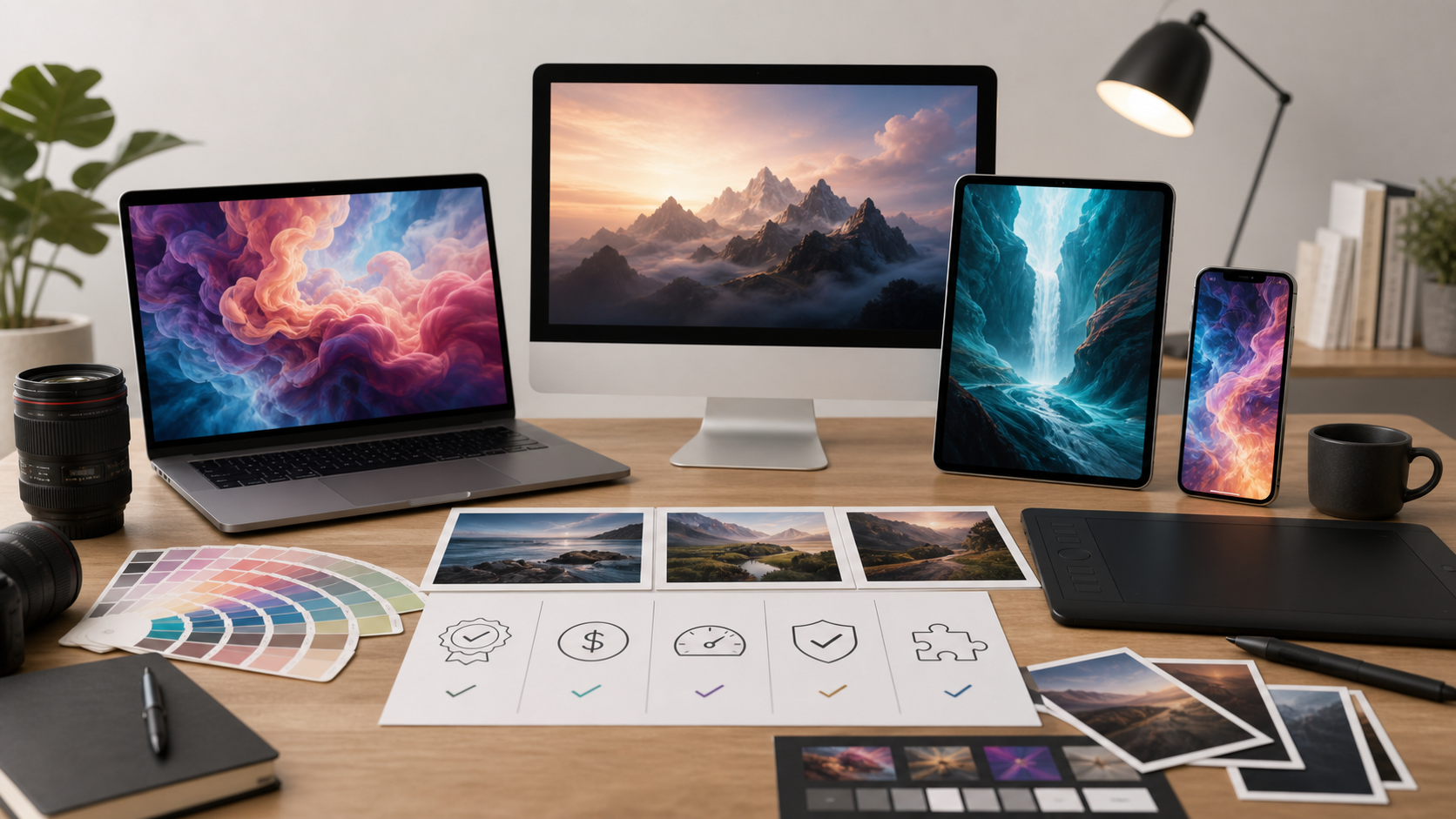
How to Choose AI Image Generators 2026-06-06
AI image tools vary by output quality, licensing terms, speed, controls, and cost. Good pick depends on use case, not hype.

What matters first
Pick by job. Social posts need speed. Product mockups need consistency. Ads need commercial terms. Art needs style control.
Check these first:
- Image quality: sharp faces, clean hands, readable text, few artifacts.
- Prompt control: camera, style, lighting, aspect ratio, negative prompts.
- Editing tools: inpainting, outpainting, background removal, object replace.
- Consistency: same character, same product, same brand look.
- Export options: resolution, file type, watermark rules.
- Usage rights: commercial use, model training terms, private generation.
Cost and limits
Price not enough. Limits matter more.
Compare:
- Monthly fee.
- Image credits per month.
- Extra credit cost.
- Queue speed.
- Max resolution.
- Private generation cost.
- Team seats.
- Cancellation terms.
Cheap plan can cost more if retries eat credits fast.
Recommended option: AI Subscription Offers
AI Subscription Offers can fit buyers comparing paid AI tools in one place. Use it when you want subscription-style access and clear path to current AI deals.
Check offer here:
Before buying, confirm plan terms, renewal price, included tools, refund policy, usage rights, and credit limits.
Best fit by user type
Creators: choose fast tool with templates, style presets, and low retry cost.
Marketers: choose tool with commercial rights, brand consistency, and team workflow.
Designers: choose tool with layered edits, inpainting, high-res export, and prompt precision.
Ecommerce teams: choose product consistency, background tools, and clear usage terms.
Developers: choose API access, uptime info, rate limits, and docs.
Red flags
Avoid tool if terms unclear.
Watch for:
- Vague commercial rights.
- Hidden credit burn.
- Forced public gallery.
- Weak cancellation info.
- Poor text rendering if you need text in images.
- No privacy detail for uploaded images.
- Big promises with no samples.
Test before paying yearly
Run same prompt across tools. Use real work, not demo prompt.
Test set:
- Portrait with hands visible.
- Product on clean background.
- Ad image with short readable text.
- Same character in three scenes.
- Edit existing image with object replacement.
Score each result 1 to 5 for quality, control, speed, rights, and cost.
Final checklist
- Define main use case.
- Compare rights and privacy terms.
- Test image quality with real prompts.
- Check credit limits and retry cost.
- Confirm export resolution.
- Review cancellation and renewal terms.
- Pick monthly first if unsure.
- Upgrade only after workflow proves useful.